Key takeaways
- Format: Question headline next to a score gauge visual.
- Best for: Local SEO agencies offering a free Google Maps ranking audit.
- Hook: A direct question that makes owners doubt their visibility.
- Reuse it: Swap the gauge label for any score you can audit for free.
Available sizes
What is a feature callout ad?
A feature callout ad is a static image that shows a single product with short text labels pointing to its key features or benefits, usually joined to the product by thin lines. It explains several selling points at a glance without a long caption, which is why it's common for supplements, skincare, electronics and kitchenware.
See all feature callouts ads →Why this feature callouts ad works
- 01
Familiar score metaphor
Everyone knows how a speedometer or credit score reads. The gauge explains the offer without a single word of SEO jargon.
- 02
Question that demands an answer
Asking how strong your ranking is triggers curiosity. Most owners do not know, so the natural next step is clicking to find out.
- 03
Loss aversion in the subline
Saying most businesses don't even make the map plants the fear of being invisible. It frames inaction as already losing customers.
- 04
Blue keyword emphasis
Coloring Local Ranking blue anchors the topic at a glance. Scrollers who read only two words still know what the ad is about.
Full creative breakdown
Who this ad targets
This ad targets owners and managers of local service businesses such as plumbers, dentists, salons, restaurants and contractors who rely on nearby customers finding them on Google. They usually have a Google Business Profile but no clear idea how it ranks against competitors. They are busy, not SEO experts and react to simple scores rather than technical reports. The ad suits cold audiences on Meta, especially lookalikes of past audit leads or small business owner interest segments in a defined city radius.
Copywriting analysis
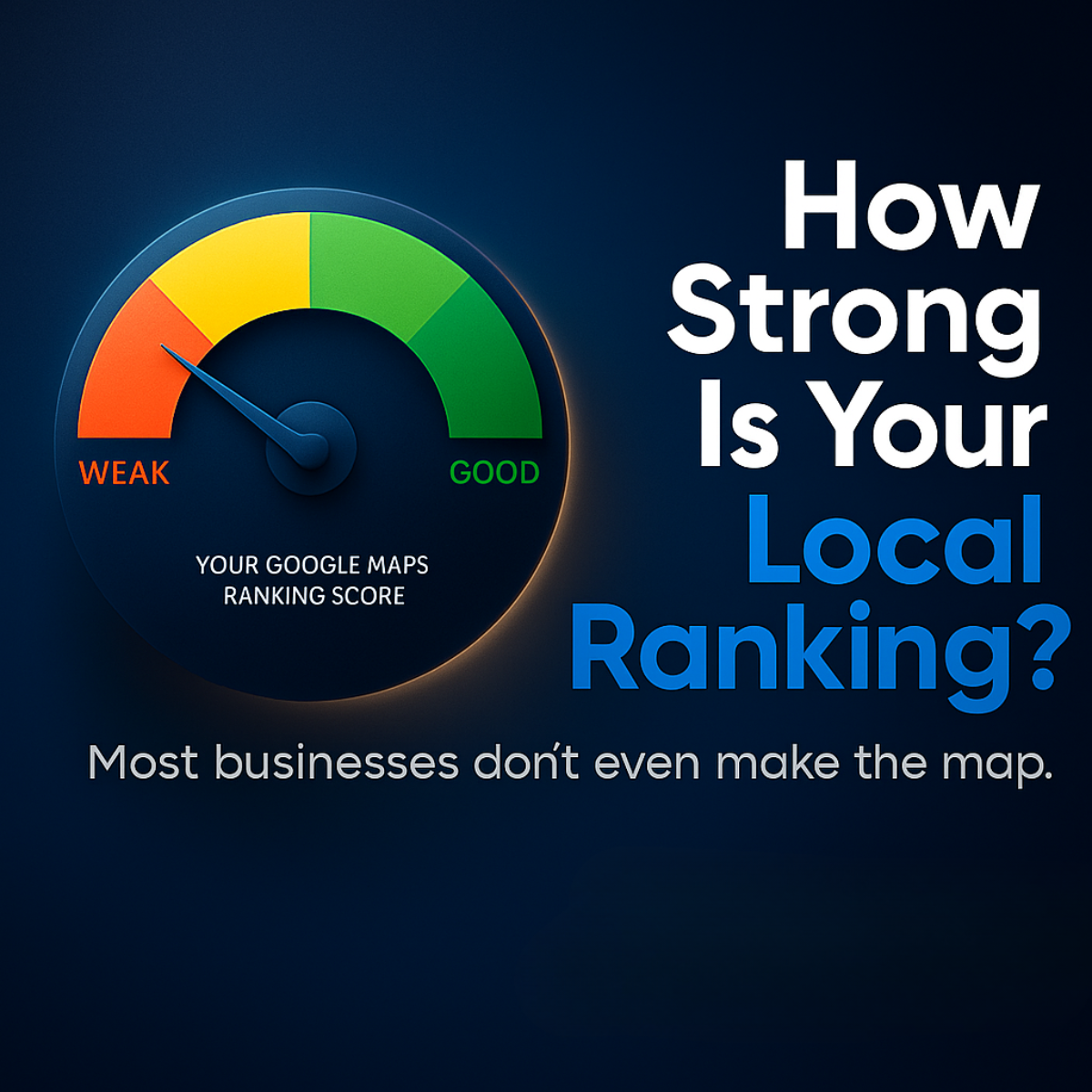
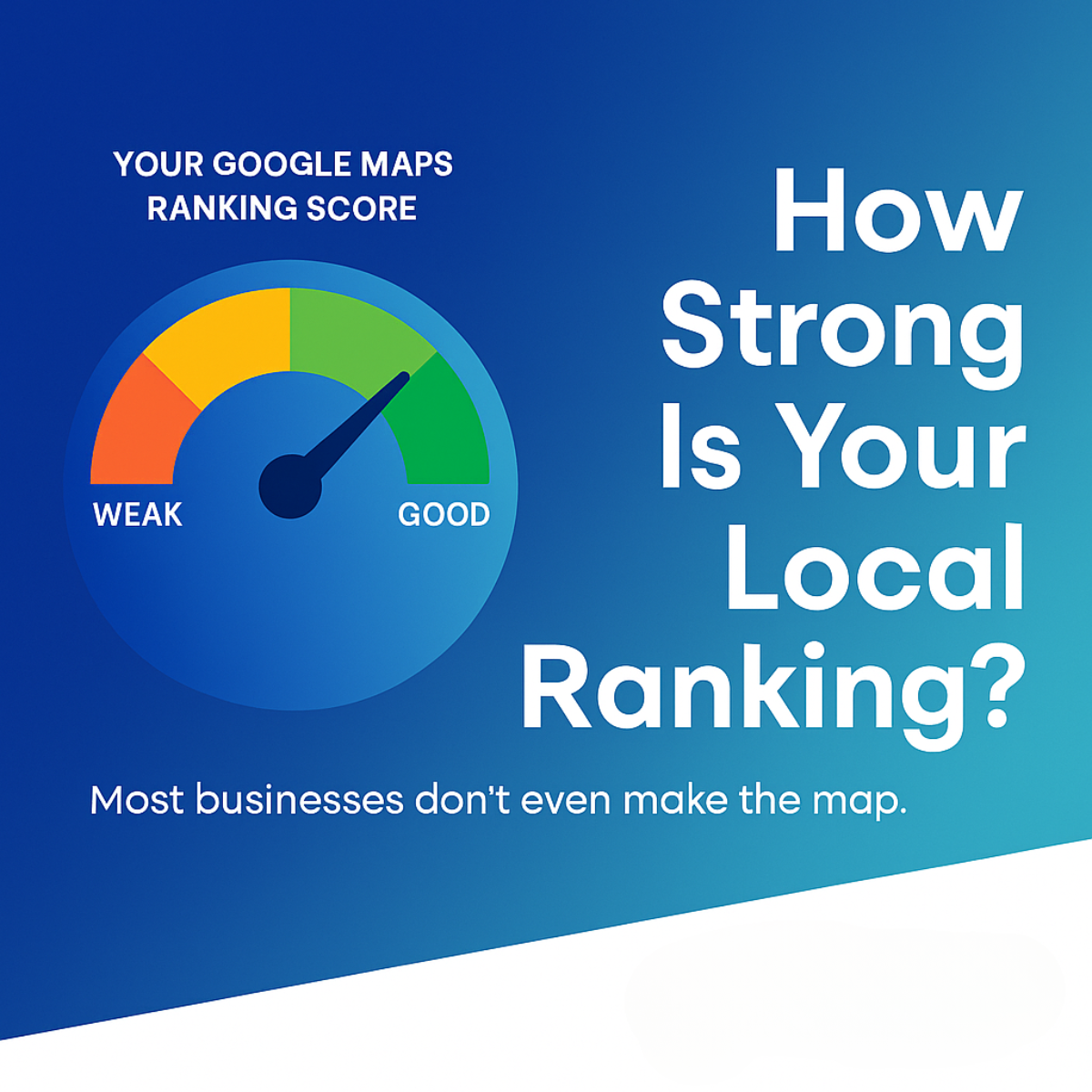
The copy is built on one question and one statement. How Strong Is Your Local Ranking? is personal because of the word your, and it assumes the reader has a ranking worth measuring. The question is answerable only by the advertiser, which sets up a free audit as the obvious next step. The subline Most businesses don't even make the map uses social proof in reverse: it suggests the reader is likely in the failing majority without accusing them directly. The phrase make the map is casual and visual, echoing Google Maps without naming the product twice. The gauge label Your Google Maps Ranking Score introduces the idea of a measurable number, which makes the outcome feel concrete.
Visual design
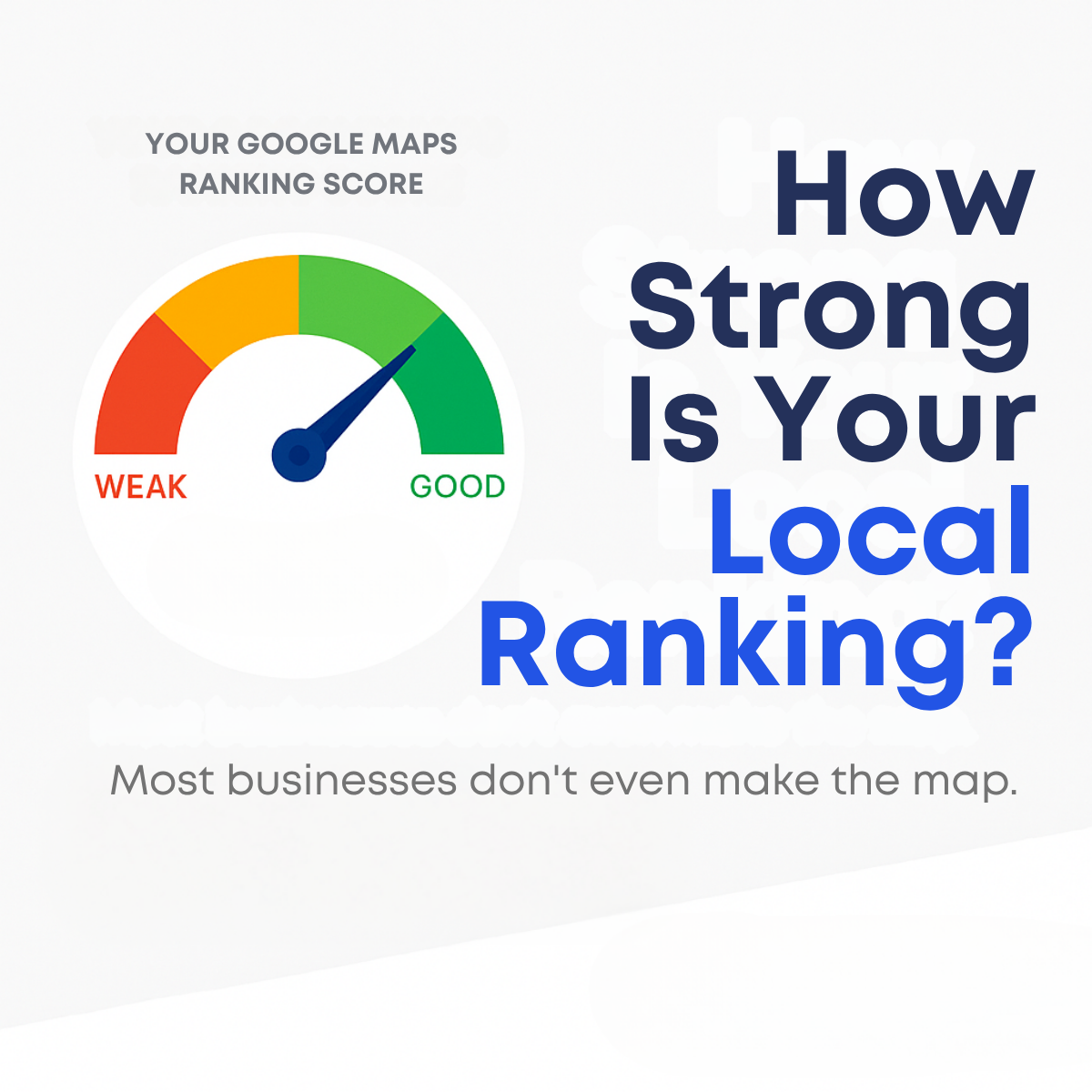
The design uses a flat white canvas with generous negative space, so the gauge and headline are the only elements competing for attention. The traffic-light gradient on the gauge communicates bad versus good instantly, and placing the needle in the green hints at what success looks like. The heavy rounded sans-serif headline is stacked over five lines, creating a strong right column that balances the circular gauge on the left. Navy and bright blue tie the palette together and suggest trust and tech.
How to adapt this template for your brand
- Replace the gauge label with the metric you audit, e.g. Your Review Score or Your Website Speed Score.
- Rewrite the headline as a direct question about that metric using the word your.
- Add a subline that suggests most competitors or peers are failing.
- Recolor the keyword and needle in your brand accent color while keeping the red-to-green gauge.
- Add a small Get your free score button or logo in the bottom white space.
Tips for saas & tech ads on Meta
On Meta, run this as a single image in Feed and Instagram placements with a lead form or a landing page that offers an instant ranking scan. Keep the primary text short and repeat the question so it shows above the fold. Pair it with a Learn More or Get Quote button. Narrow targeting by city radius so the question feels local. Retarget engagers with the before and after map creatives from the same set to move them from curiosity to proof.
About this creative
This square ad sits on a soft white background split into two halves. On the left, a semicircular speedometer gauge runs from red through orange and light green to dark green, with the labels WEAK and GOOD at either end. A navy needle points into the green zone, and a small grey label above reads Your Google Maps Ranking Score. On the right, a large stacked headline in heavy navy type asks How Strong Is Your Local Ranking?, with the words Local Ranking set in bright blue to pull the eye to the topic. Below, a grey subline adds tension: Most businesses don't even make the map. There is no logo, price or button on the image itself, which keeps the focus on the question. The gauge borrows a familiar credit-score or speed-test metaphor, so viewers instantly understand they are being scored and want to know their own result. The style is minimal, flat and easy to recreate.
Meta ad · 1200 × 1200 · SaaS & Tech
Local SEO Ad Template: Google Maps Ranking Score Gauge
This square local SEO ad uses a weak-to-good speedometer gauge and a direct question to make business owners doubt their Google Maps visibility. It works as a top-of-funnel Meta ad for agencies selling free ranking audits, and the clean layout is easy to rebrand in minutes.
Added
All brand names and logos are property of their owners. Adplaylist is not affiliated with or endorsed by these brands.
Details
Ad copy
Primary text
Is your business showing up when people nearby search for what you do? Most local businesses don't even make the Google Maps top 3. Get a free ranking check and see exactly where you stand.
Description
See how visible your business really is
On-image text
YOUR GOOGLE MAPS RANKING SCORE | WEAK | GOOD | How Strong Is Your Local Ranking? | Most businesses don't even make the map.
Headline ideas for this template
- 1Is Your Business Invisible on Google Maps?
- 2Get Your Free Local Ranking Score
- 3See Where You Rank in 60 Seconds
- 4Are Competitors Stealing Your Map Spot?
- 5How Many Customers Can Actually Find You?
Meta image ad specs
| Placement | Ratio | Size (px) |
|---|---|---|
| Feed | 1:1 or 4:5 | 1080×1080 / 1080×1350 |
| Marketplace | 1:1 | 1200×1200 |
| Messenger inbox | 1:1 | 1200×1200 |
| Stories & Reels | 9:16 | 1080×1920 |
This template is 1:1. Request 4:5 or 9:16 to cover all placements.