Key takeaways
- Format: Text-only CTA card with an arrow pointing to the ad button
- Best for: Closing a carousel or driving consultation leads
- Hook: Human help: "Speak to an oxygen specialist"
- Reuse it: End your carousels with a single, clear next step and an arrow to the button
Available sizes
What is a feature callout ad?
A feature callout ad is a static image that shows a single product with short text labels pointing to its key features or benefits, usually joined to the product by thin lines. It explains several selling points at a glance without a long caption, which is why it's common for supplements, skincare, electronics and kitchenware.
See all feature callouts ads →Why this feature callouts ad works
- 01
One clear action
With no competing messages, the viewer knows exactly what to do next.
- 02
Human reassurance
Offering a specialist reduces anxiety around a complex, prescription-based purchase.
- 03
Arrow guides the eye
The downward arrow links the creative to the platform's CTA button below it.
- 04
Consistent series design
Matching the other cards makes the carousel feel like one story with a clear ending.
Full creative breakdown
Who this ad targets
The ad targets people who have shown interest in portable oxygen but are not ready to buy online – often adults 65+ and their caregivers who want to ask questions first. They may be unsure about insurance coverage, prescriptions or which model fits their needs. The specialist offer suits audiences who value personal advice and phone conversations over self-guided research.
Copywriting analysis
The headline is an invitation, not a sales pitch. "Speak to" suggests a friendly conversation, and "oxygen specialist" positions the brand as an expert guide rather than a seller. "To get started" frames the step as small and easy. The secondary line "Click the button below" is a direct instruction, which helps less digitally confident users understand what to do. The copy is very short, letting the card serve as a clean full stop at the end of a carousel.
Visual design
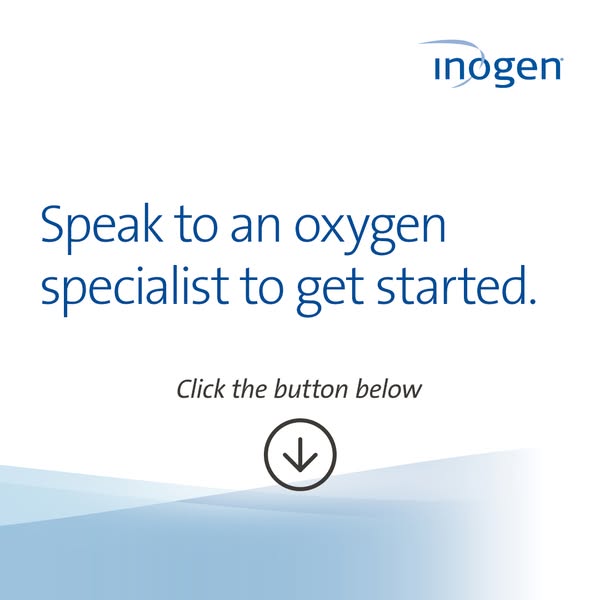
The layout uses lots of white space, a large blue headline, smaller italic instruction text and a circular down-arrow icon stacked in a centered column. The light-blue wave shapes at the bottom tie it to the other cards in the series. The logo in the top-right corner keeps branding consistent. Without imagery, the design feels calm and uncluttered and directs all attention to the action.
How to adapt this template for your brand
- Write a headline that offers personal help with your product.
- Add a short instruction such as "Tap the button below."
- Include an arrow icon that points toward the platform CTA.
- Keep the background clean and use your brand color for text.
- Use it as the last card of a carousel or as a retargeting ad.
Tips for medical devices ads on Meta
On Meta, use this as the final carousel card or as a retargeting ad for site visitors. Pair it with a Call Now or lead form objective, since older audiences often prefer a phone conversation. Make sure the arrow points to where the CTA button actually appears in each placement. Keep the specialist promise consistent on the landing page or form to avoid drop-off.
About this creative
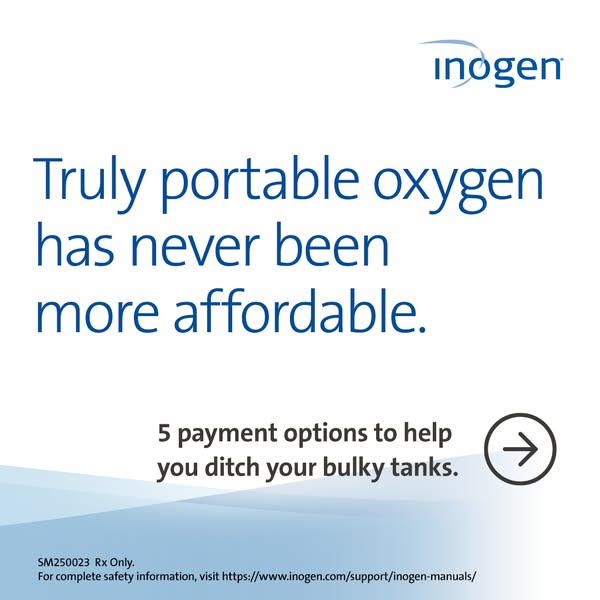
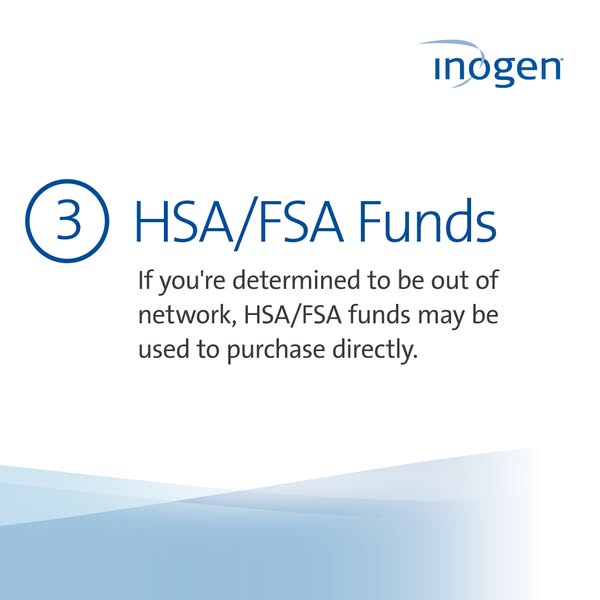
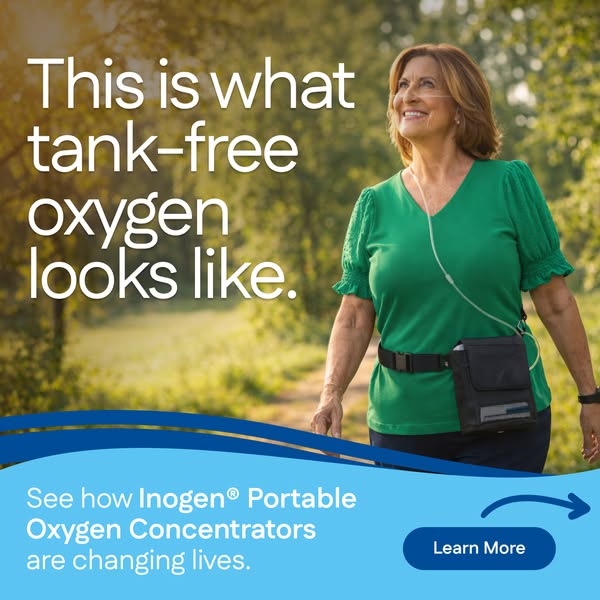
This square Inogen creative is a clean, text-only call-to-action card. The Inogen logo sits in the top-right corner on a white background. In the center, a large headline in brand blue reads "Speak to an oxygen specialist to get started." Below, italic dark-grey text says "Click the button below," followed by a circular icon with a downward arrow that points directly to the ad's CTA button on the platform. Soft, layered light-blue wave shapes fill the bottom of the frame, matching the other Inogen cards in this series. There is no imagery, product shot or legal text – the card does one job: drive the click. It is most likely the final card in a carousel that starts with the affordability message and walks through payment options. The human angle of speaking to a specialist lowers the barrier for older buyers who prefer guidance over self-service checkout.
Meta ad · 338 × 600 · Medical Devices
Inogen CTA Ad: Speak to an Oxygen Specialist
This Inogen ad is a simple, text-only call-to-action card inviting viewers to speak with an oxygen specialist. With a downward arrow pointing to the ad button, it works as the closing card of a carousel or a direct lead-gen ad for considered healthcare purchases.
Added
All brand names and logos are property of their owners. Adplaylist is not affiliated with or endorsed by these brands.
Details
Ad copy
Primary text
Not sure which portable oxygen concentrator is right for you? Our oxygen specialists can answer your questions, check your coverage and help you find the best option for your lifestyle. Get started with a free, no-pressure conversation today.
Description
Free, no-pressure help getting started
On-image text
inogen | Speak to an oxygen specialist to get started. | Click the button below
Headline ideas for this template
- 1Have questions? Talk to an expert
- 2Find the right oxygen solution with a specialist
- 3Free advice from an oxygen specialist
- 4Let's find the right fit for you
- 5Your oxygen questions, answered
Meta image ad specs
| Placement | Ratio | Size (px) |
|---|---|---|
| Feed | 1:1 or 4:5 | 1080×1080 / 1080×1350 |
| Marketplace | 1:1 | 1200×1200 |
| Messenger inbox | 1:1 | 1200×1200 |
| Stories & Reels | 9:16 | 1080×1920 |
This template is 1:1. Request 4:5 or 9:16 to cover all placements.